How to use Fleet Management
Quick Start — 3 Steps
1
Click + Add Vehicle and type any Brussels address. Up to 3 vehicles can be on the map at once — they appear as green cars and the map pans to each one as it's placed.
Try: Grand Place · Atomium · Gare du Midi for a spread-out fleet.
2
Click New Job and enter a pickup and a dropoff address — both must be within Brussels. Up to 6 active jobs can exist at once.
The job appears as pending until a vehicle is assigned.
3
Press ▶ Start. The dispatch engine automatically assigns the nearest idle vehicle to each pending job every 5 seconds.
Press ■ Stop to pause all movement at any time.
Vehicle Status
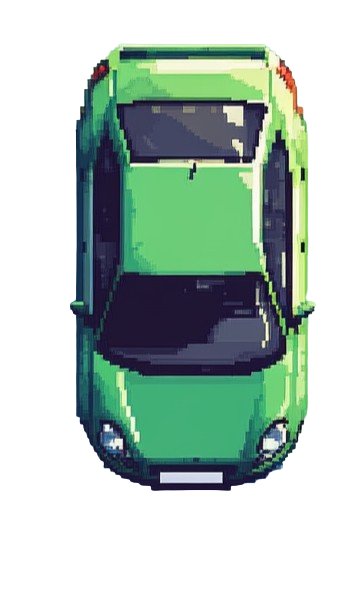 Idle — waiting for a job
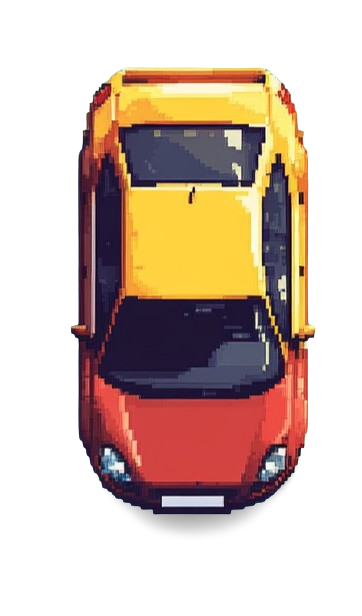 Assigned — en route to pickup
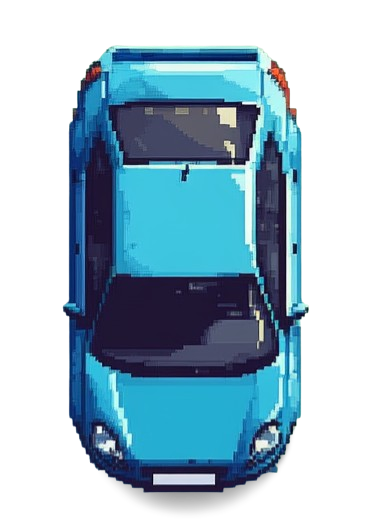 Moving — delivering to dropoff
Map Markers
P — Pickup location
D — Dropoff location
Red line — planned route
System Limits
Max vehicles
3
Max active jobs
6
Operating area
Brussels only
Dispatch interval
every 5 s
Position updates
every 5 s
Demo tip: Add 3 vehicles at different Brussels landmarks (e.g. Grand Place, Atomium, Gare du Midi), create 3–4 jobs, then hit Start. The dispatch engine will assign the nearest vehicle to each job — you can see the Haversine distance matching play out live on the map.